NextExplorer AI workspace
พื้นที่ทำงานส่วนตัวที่เน้นการใช้ AI สำหรับการสำรวจไฟล์, การดูเอกสาร และระบบการจัดการความรู้แบบควบคุมได้
What you get
- พื้นที่ทำงานส่วนตัวที่เน้นเทคโนโลยี AI
- ไฟล์, แหล่งข้อมูล, ผู้ใช้ และการตั้งค่าของผู้ให้บริการ AI ที่ลูกค้าเป็นผู้จัดการ
- สิทธิ์การเข้าถึงของผู้ดูแลระบบเริ่มต้นจะถูกมอบให้หลังจากดำเนินการตามขั้นตอนที่กำหนด
- โปรแกรมแก้ไขข้อความ/โค้ดในตัว, ระบบค้นหาอัจฉริยะ, การแก้ไขเอกสารด้วย ONLYOFFICE หรือ Collabora (ทางเลือก), และการตั้งค่าระบบที่ผู้ใช้จัดการได้
Screenshots
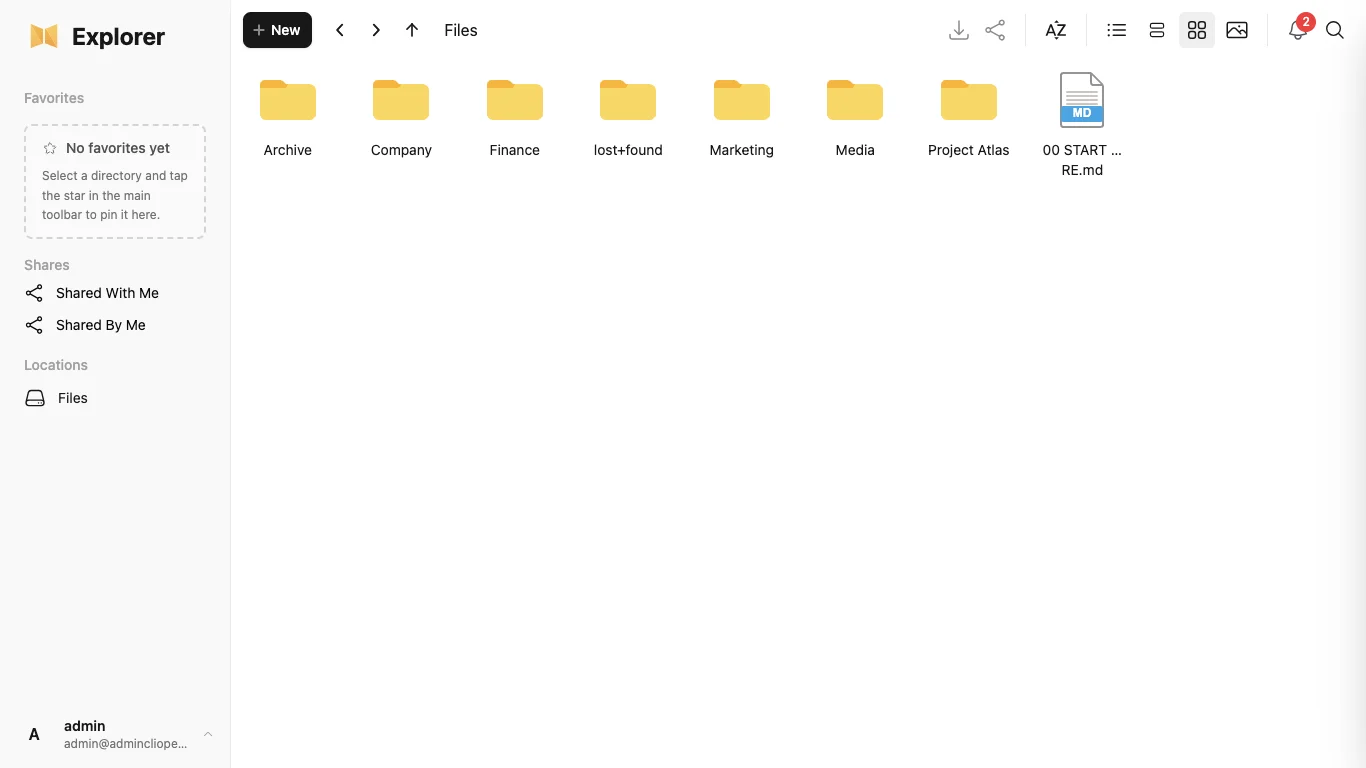
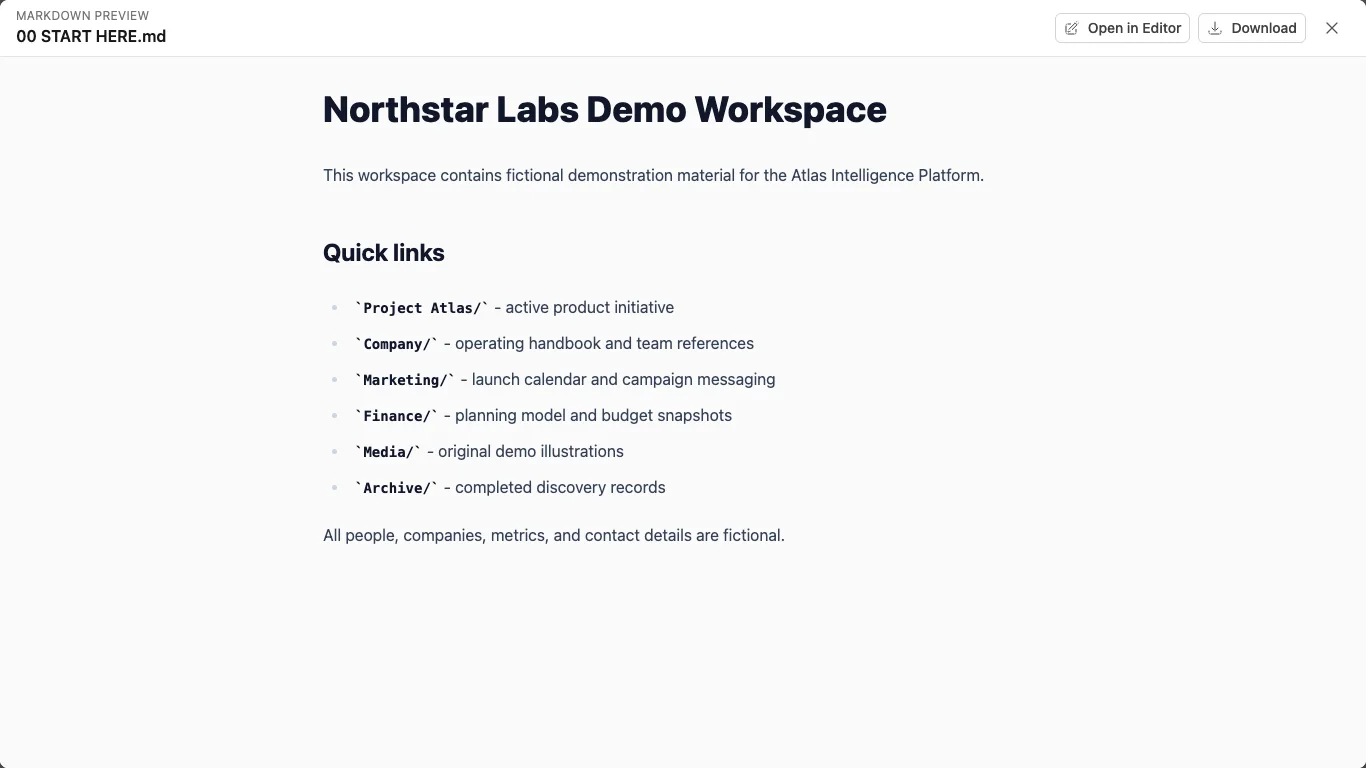
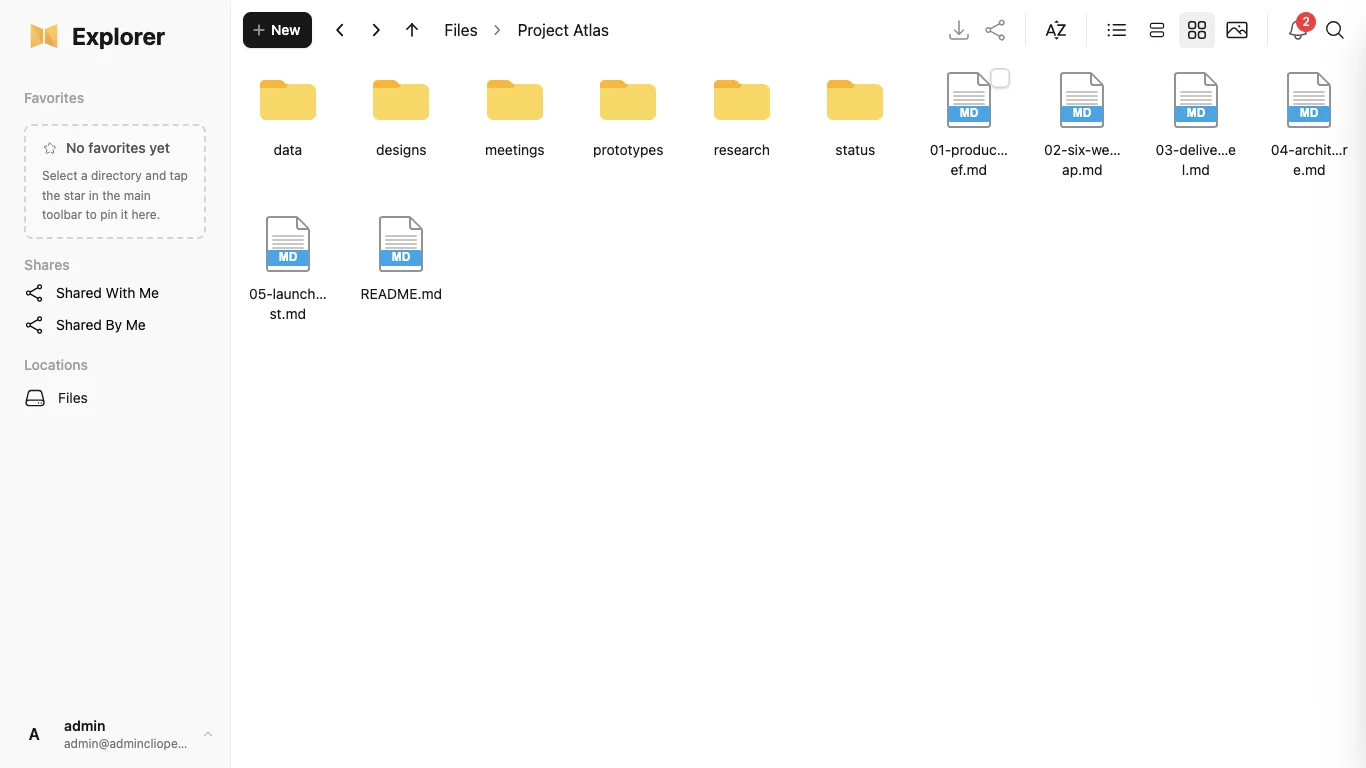
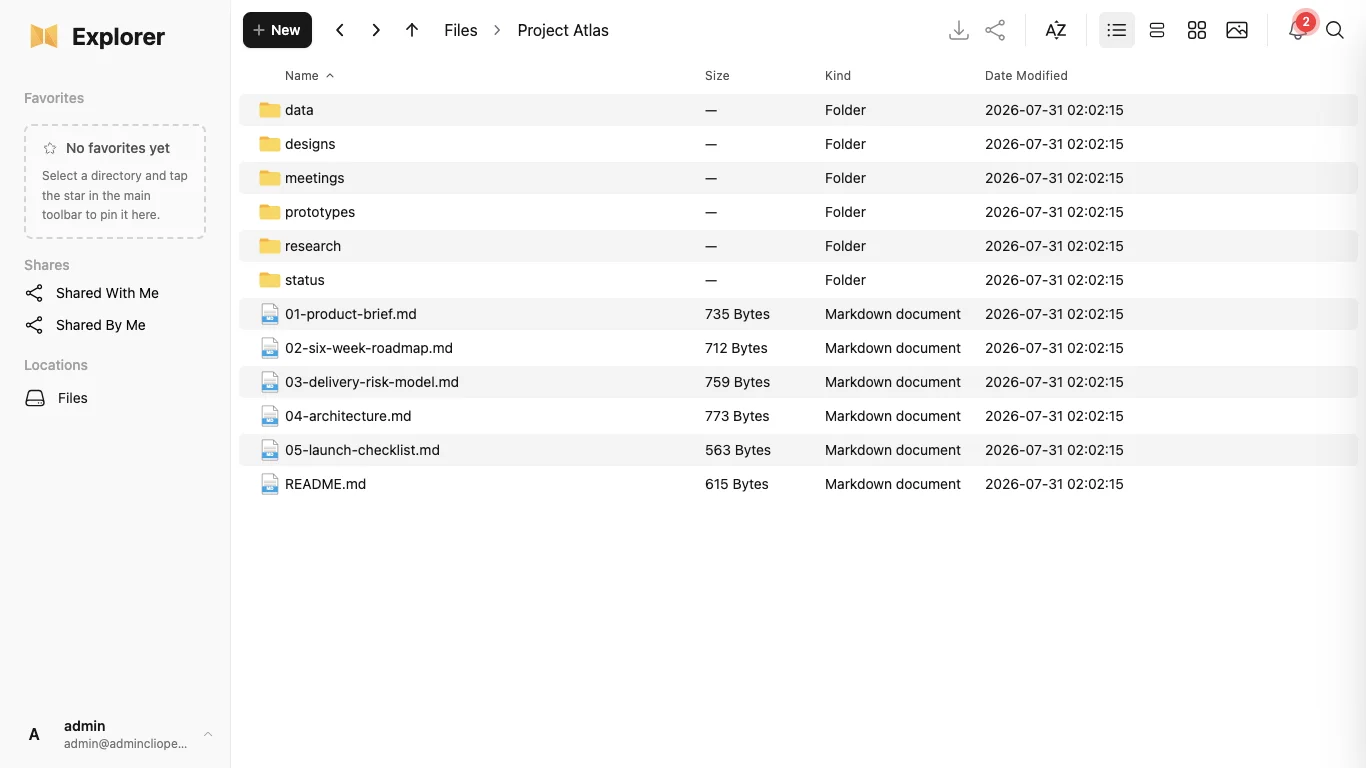
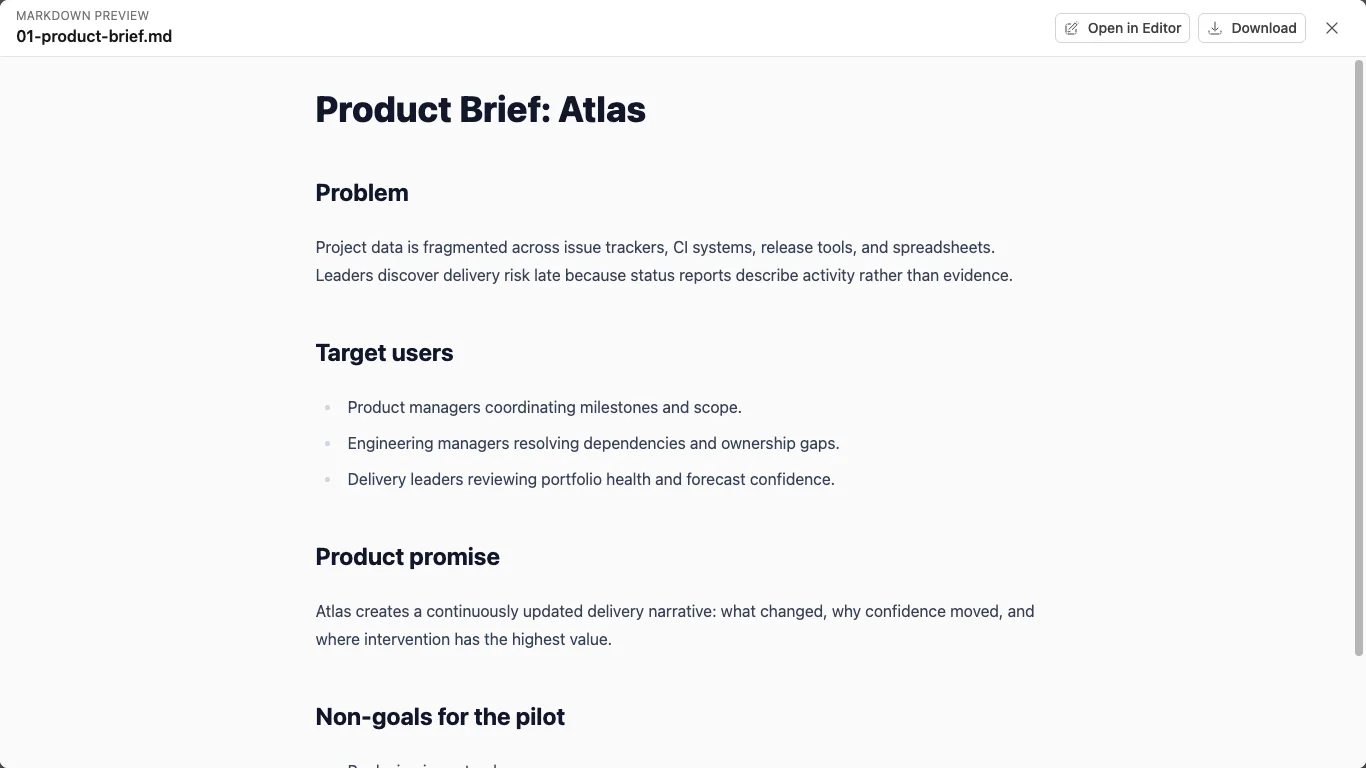
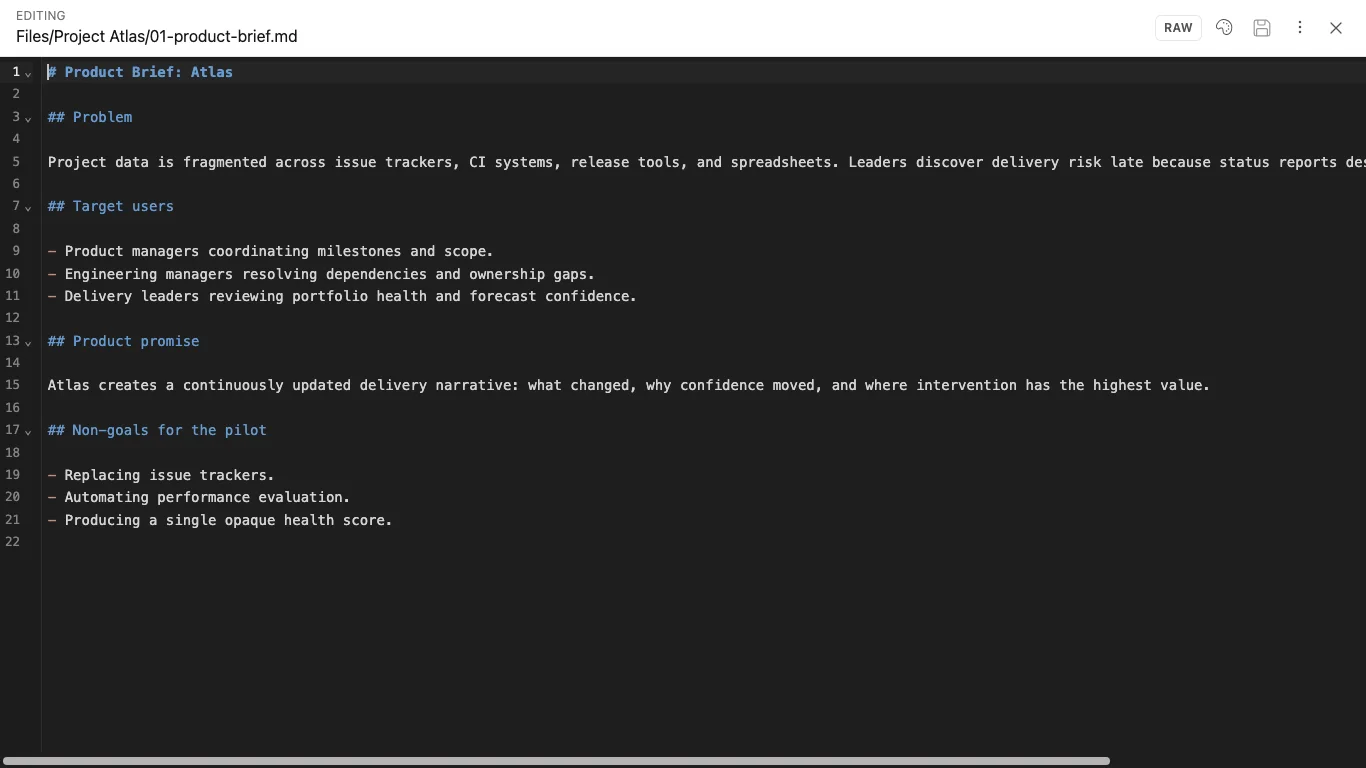
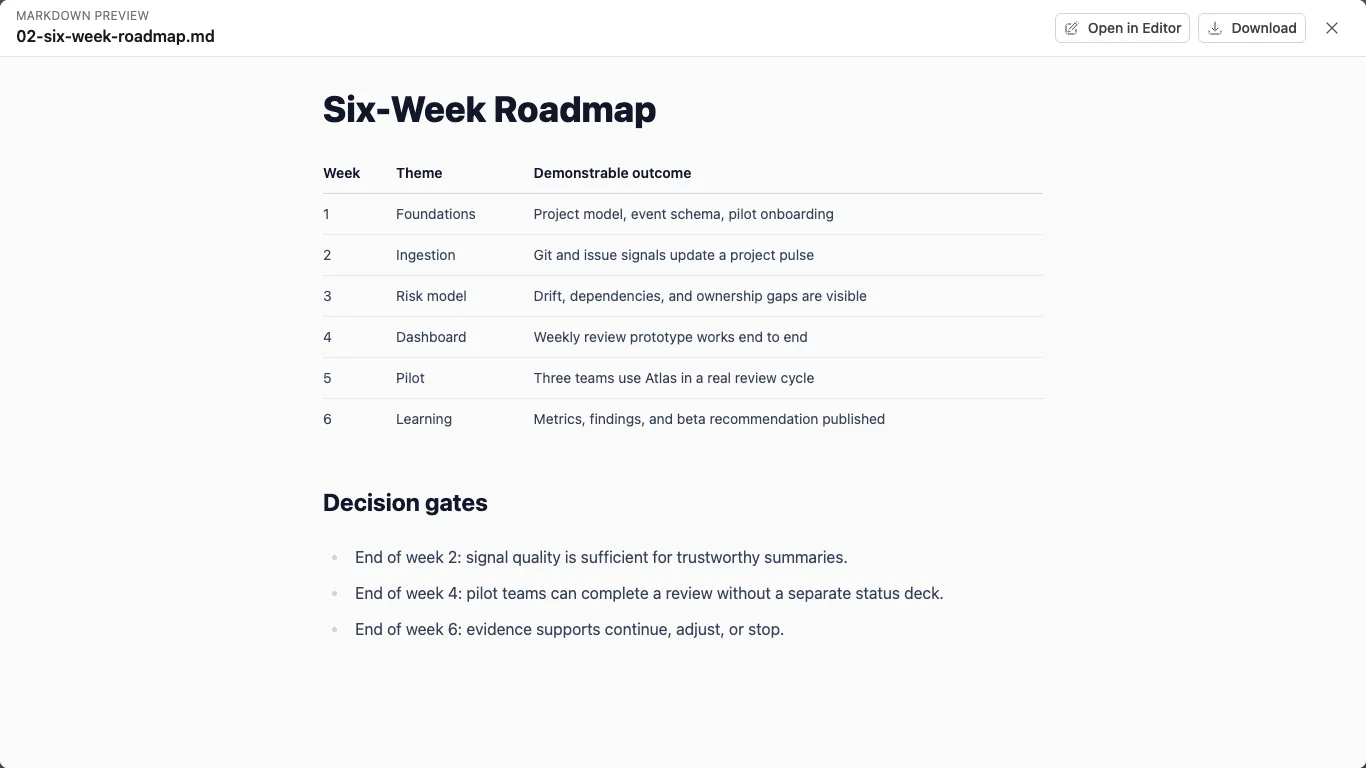
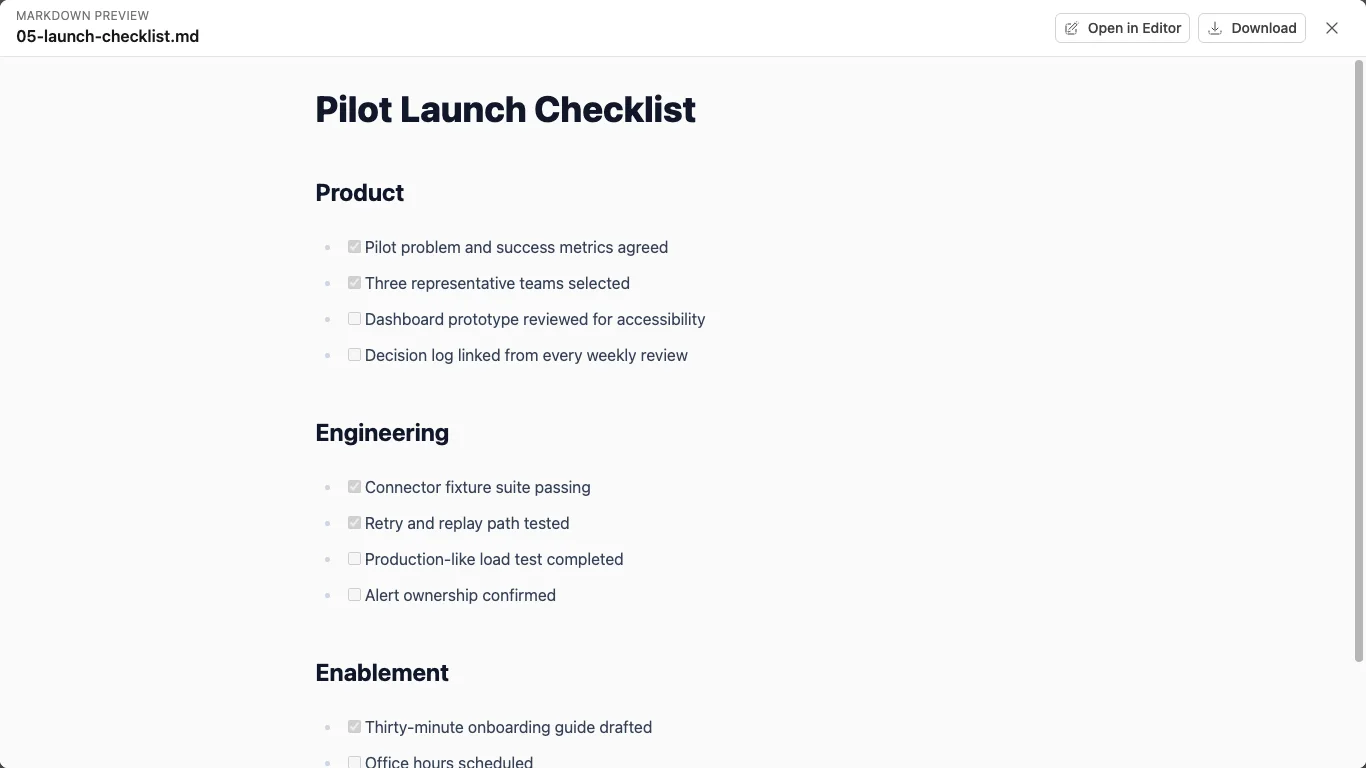
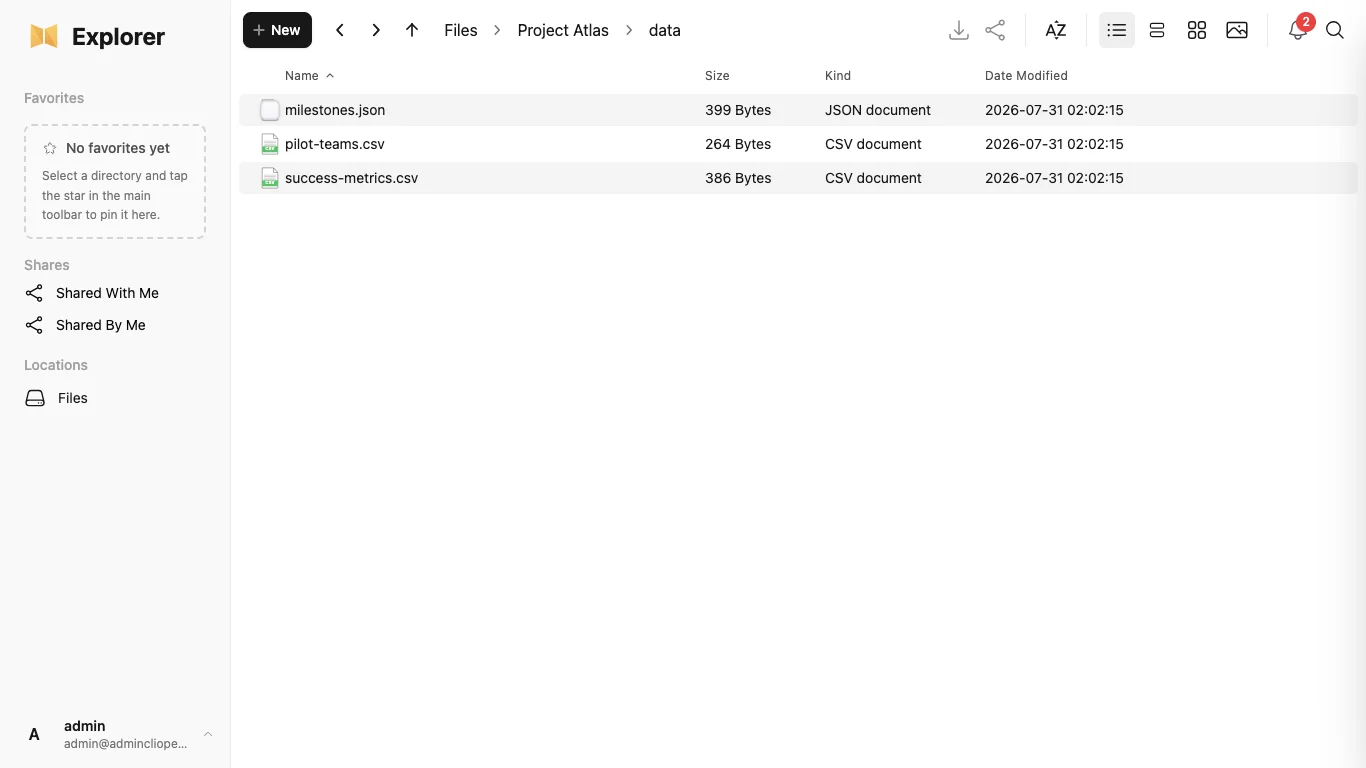
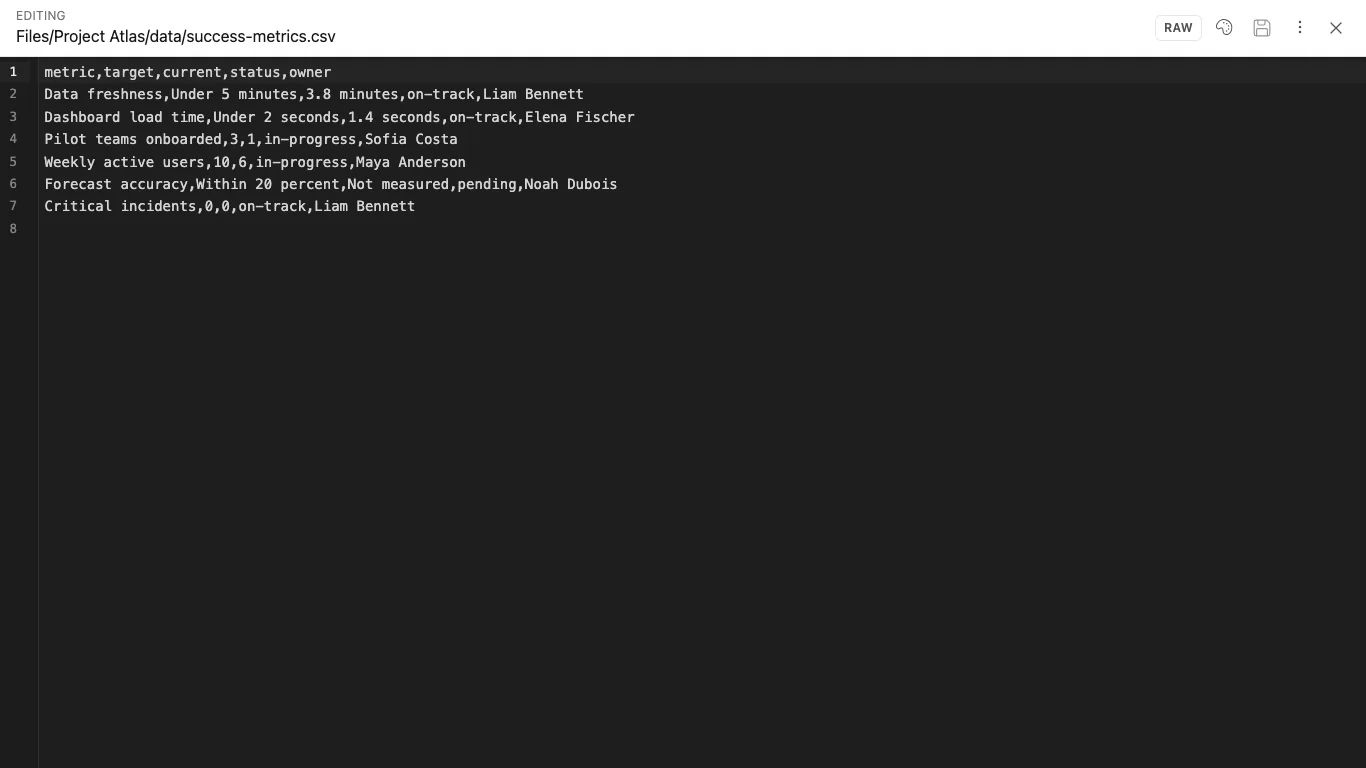
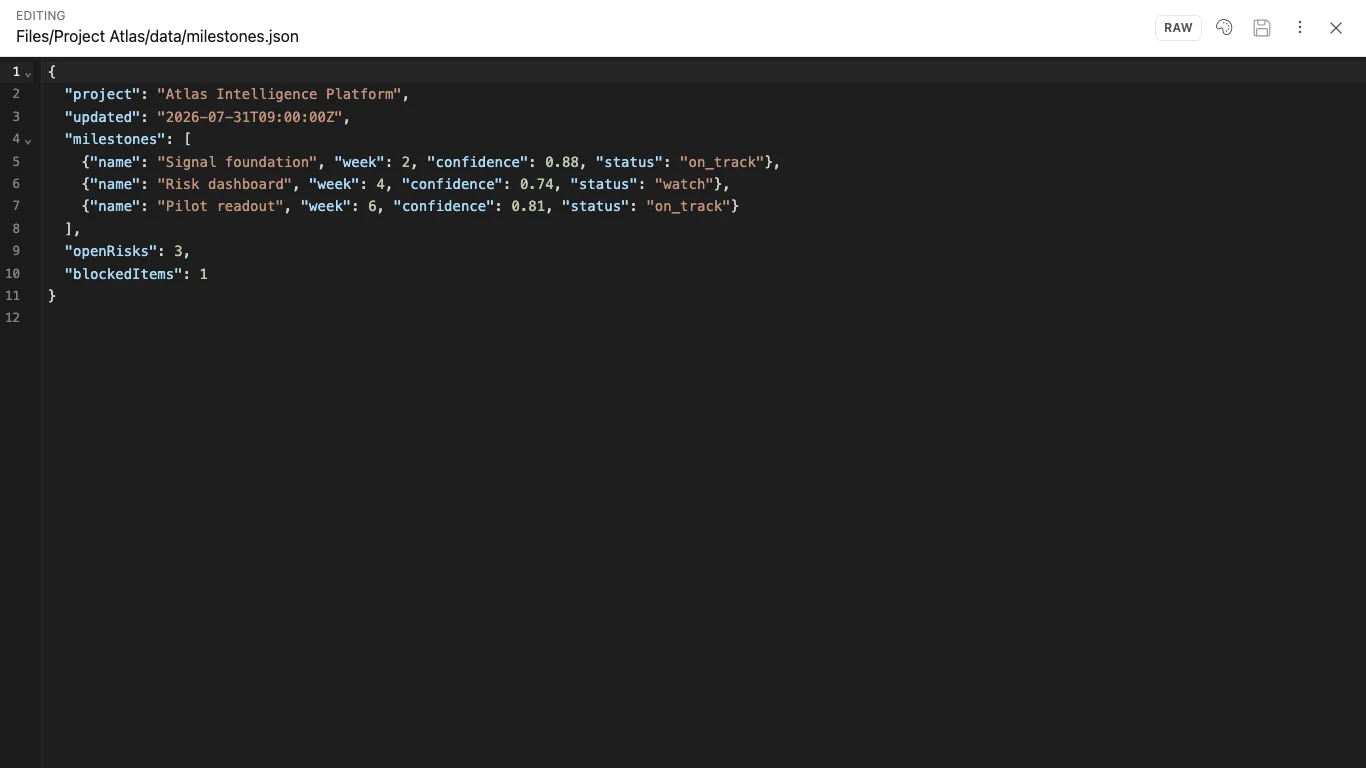
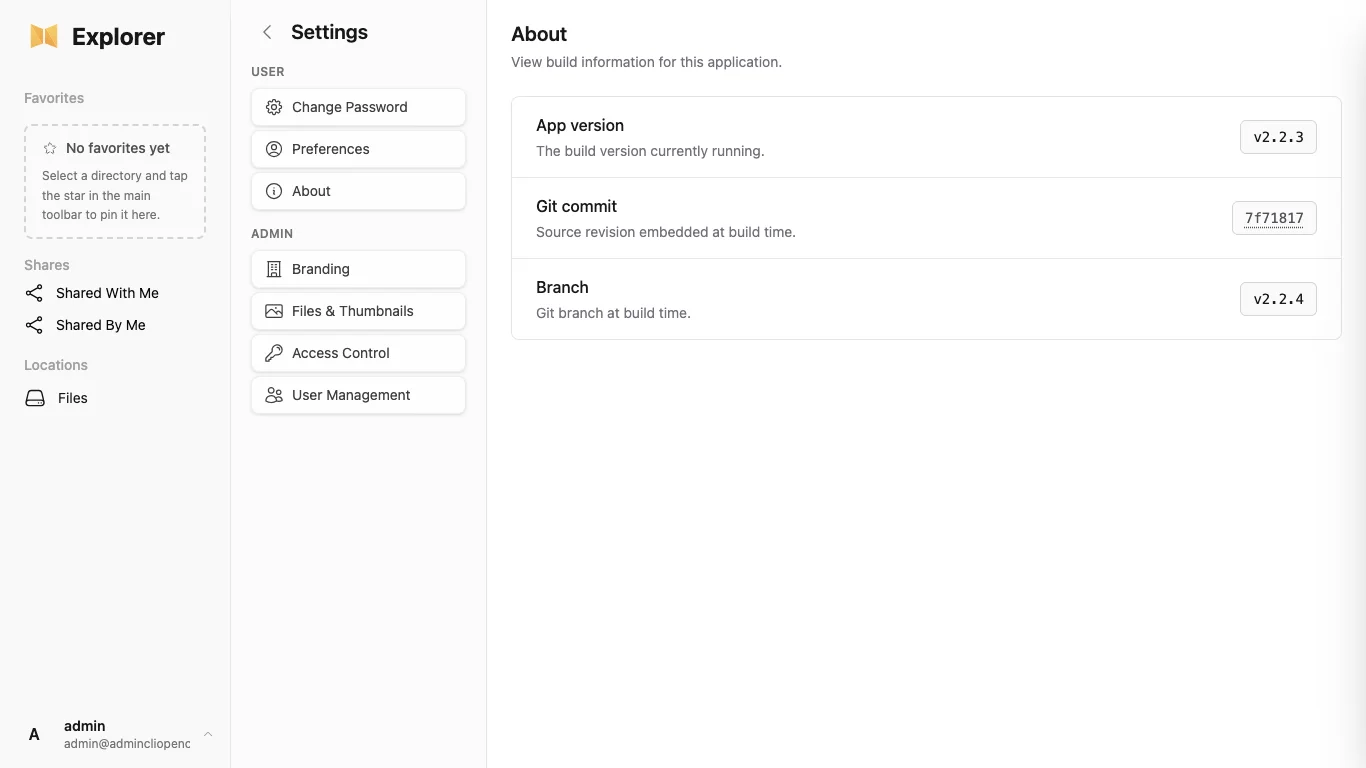
Showing 12 of 77 screenshots
Why buy it
NextExplorer มีให้ใช้งานในรูปแบบแพ็คเกจแอปพลิเคชันที่ไม่ต้องมีการจัดการ CLIopen ช่วยให้มั่นใจว่าระบบพร้อมใช้งาน เมื่อลูกค้าได้รับบริการ พวกเขาจะได้รับการเข้าถึงสิทธิ์ผู้ดูแลระบบเบื้องต้น และสามารถจัดการไฟล์ แหล่งข้อมูล ผู้ใช้ การตั้งค่าของผู้ให้บริการ AI และการกำหนดค่าของแอปพลิเคชันได้
NextExplorer มอบพื้นที่ทำงานส่วนตัวสำหรับการสำรวจไฟล์และความรู้ โดยมีระบบ AI สนับสนุน แพ็กเกจนี้ประกอบด้วยทรัพยากรในการทำงานและพื้นที่จัดเก็บข้อมูลแอปพลิเคชันที่เข้ารหัสและมีการทำซ้ำ; การตั้งค่าในระดับแอปพลิเคชันยังคงอยู่ภายใต้การจัดการของลูกค้าหลังจากส่งมอบ
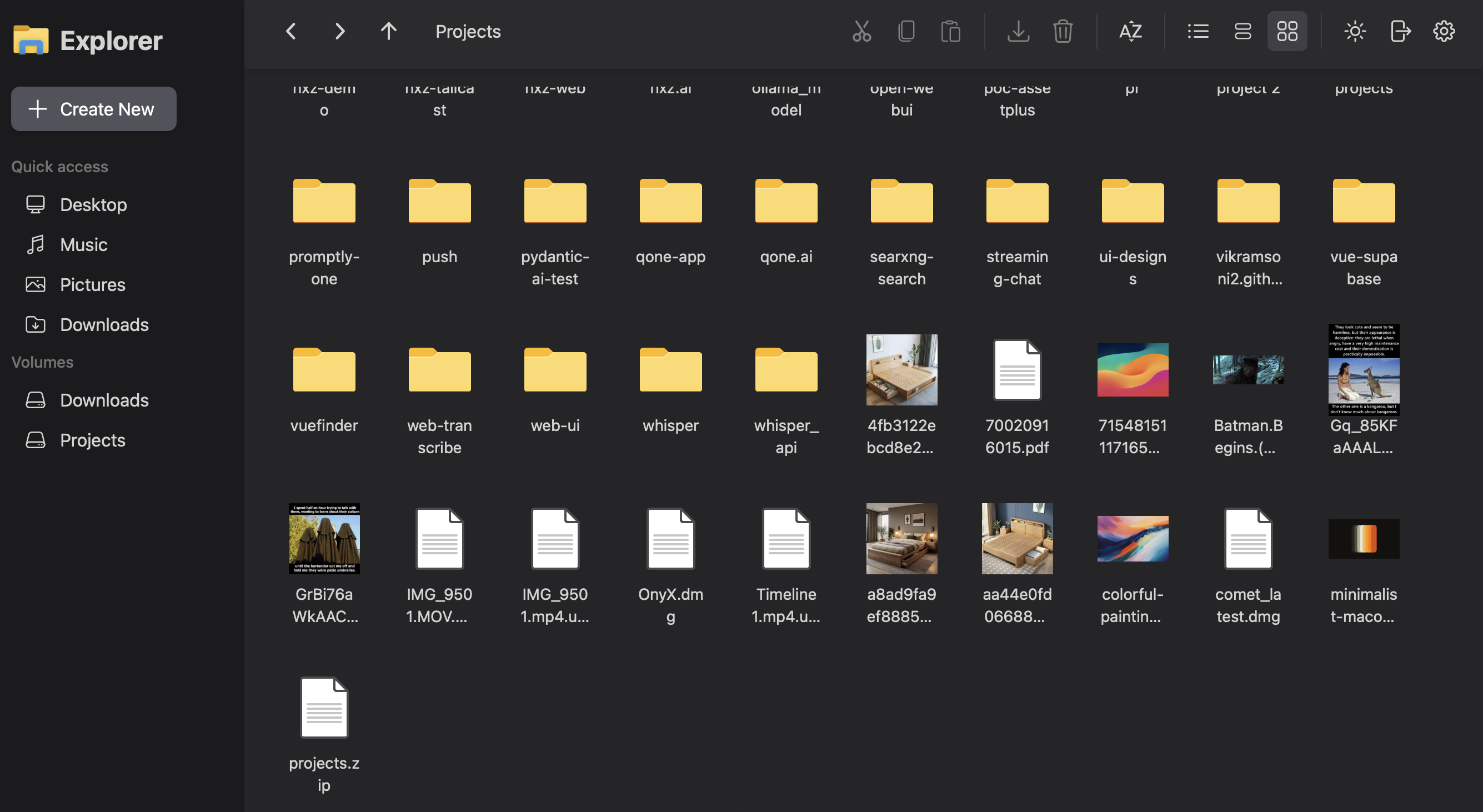
เหมาะสำหรับ NextExplorer
NextExplorer มุ่งเน้นไปที่การเรียกดูไฟล์อย่างปลอดภัยสำหรับไดรฟ์ที่เชื่อมต่อ: มีรูปแบบการแสดงผลแบบกริด/รายการ/คอลัมน์ที่ตอบสนองได้ เส้นทางนำทาง ภาพตัวอย่าง การอัปโหลดโดยลากและวาง และขั้นตอนการทำงานในเมนูบริบท ในอินเทอร์เฟซเบราว์เซอร์ส่วนตัว
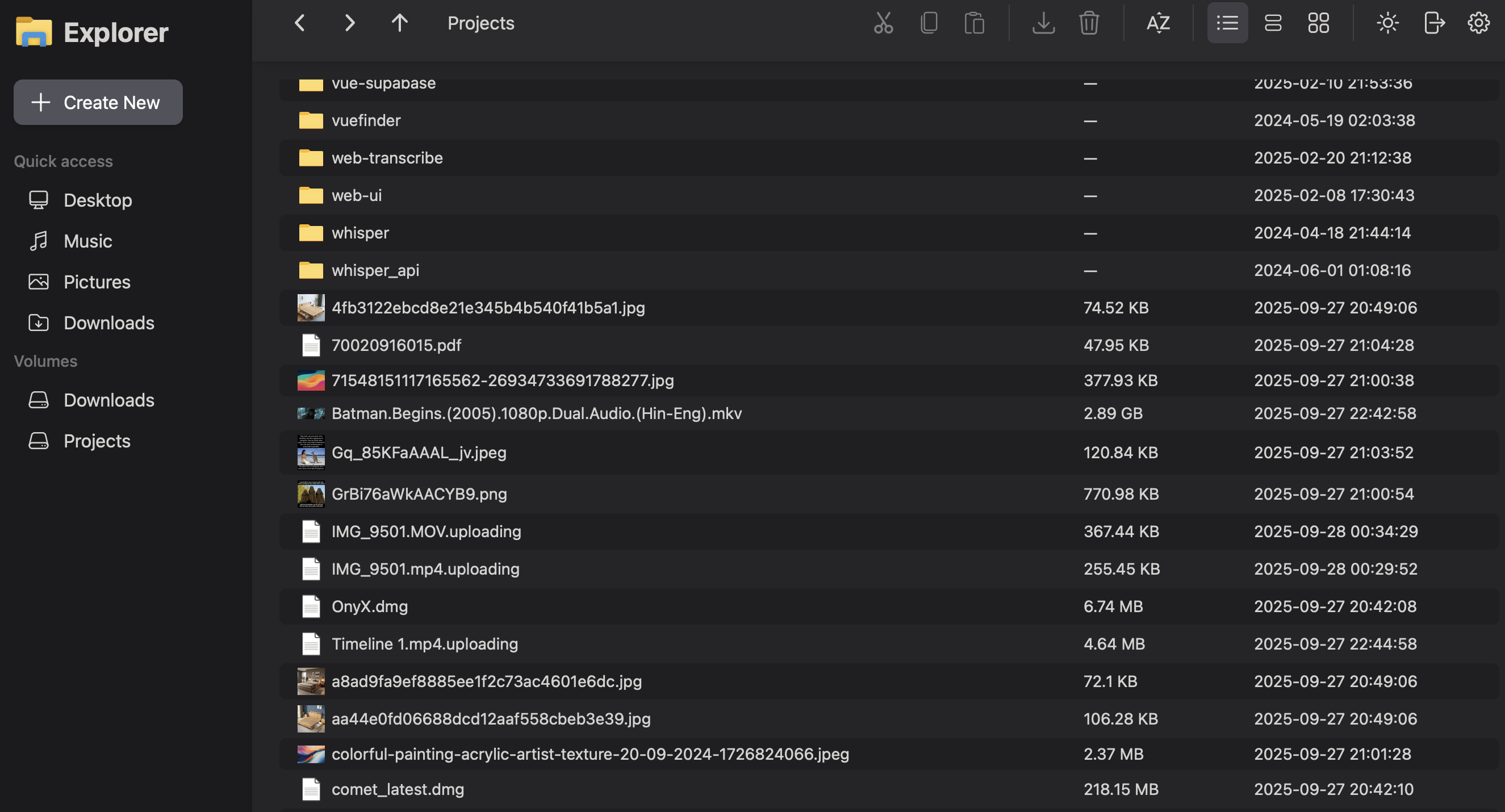
ออกแบบเพื่อความเป็นส่วนตัว
บริการนี้มีไว้สำหรับการใช้งานภายในที่ควบคุม โดยไฟล์, การกำหนดค่า และสถานะการทำงาน จะถูกจัดเก็บในอินสแตนซ์ที่ได้รับการจัดการเป็นพิเศษ พร้อมระบบจัดเก็บข้อมูลของแอปพลิเคชันที่เข้ารหัส
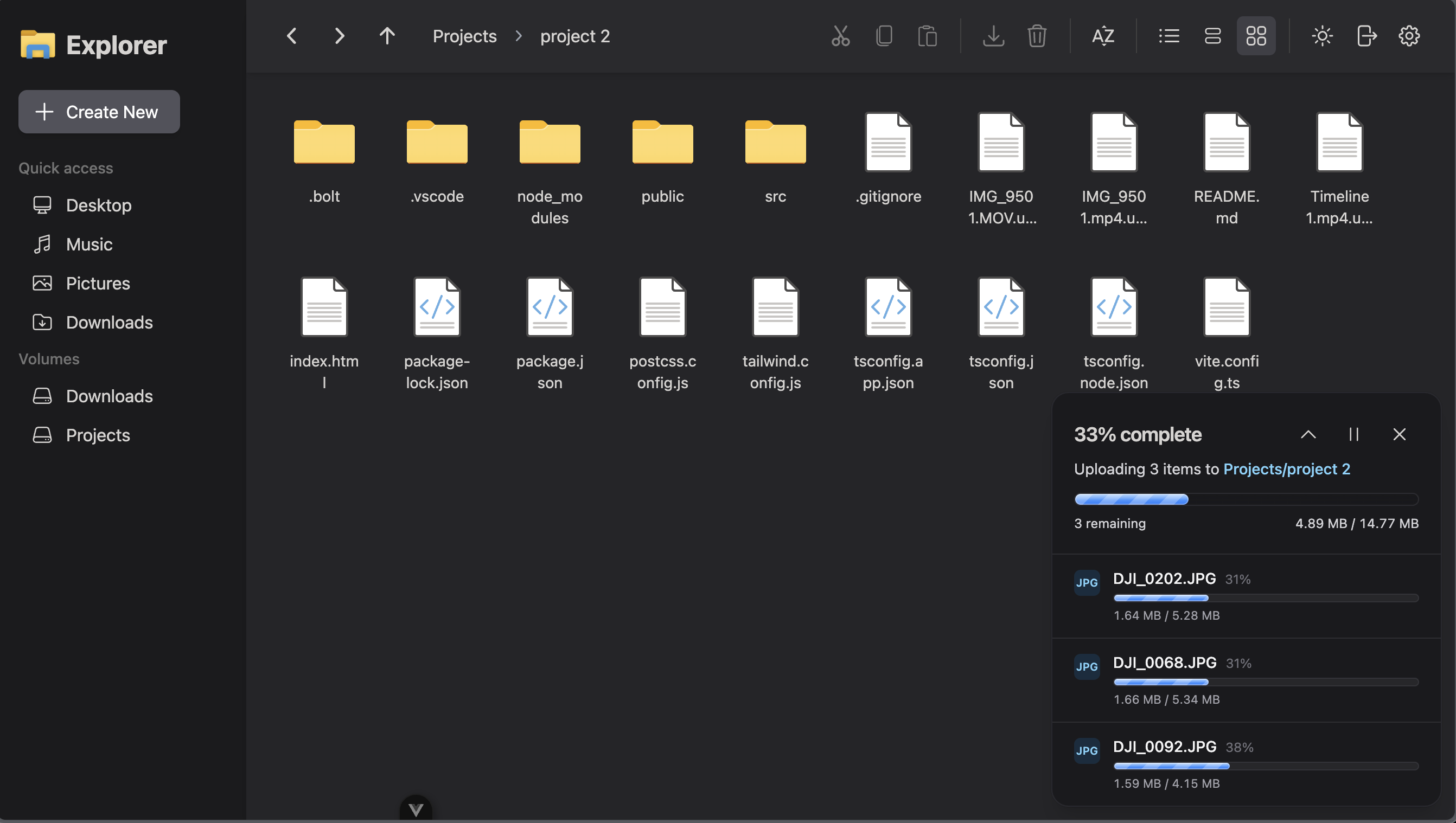
การจัดการสิทธิ์และการเชื่อมต่อโดยลูกค้า
หลังจากส่งมอบแล้ว ลูกค้าจะสามารถควบคุมบัญชีในเครื่อง กลุ่ม OIDC SSO กฎการเข้าถึง ลิงก์แชร์ การตั้งค่า PUBLIC_URL/reverse proxy การผสานรวม ONLYOFFICE หรือ Collabora (ทางเลือก) และไดรฟ์ที่เชื่อมต่อ
NextExplorer เหมาะสำหรับงานประเภทใดบ้าง
- ทีมงานที่ต้องการโปรแกรมจัดการไฟล์ส่วนตัวสำหรับโฟลเดอร์โครงการ, ไฟล์มีเดีย หรือเอกสารที่เชื่อมต่อ
- ระบบจัดการไฟล์ที่ปรับแต่งได้ตามความต้องการ พร้อมฟังก์ชันแสดงตัวอย่าง แชร์ลิงก์ การเข้าถึงสำหรับผู้ใช้งานทั่วไป ผู้ใช้งานภายใน กลุ่ม หรือการยืนยันตัวตนแบบ OIDC SSO.
- งานด้านการจัดการไฟล์ภายในองค์กร ที่สามารถใช้ประโยชน์จากฟังก์ชันค้นหาอัจฉริยะ มุมมองข้อมูลเมตา การอัปโหลด ภาพขนาดเล็ก และการแก้ไขแบบเรียลไทม์
แหล่งข้อมูลอย่างเป็นทางการของ NextExplorer
การส่งมอบบริการคลาวด์แบบอิเล็กทรอนิกส์
บริการจะถูกเปิดใช้งานผ่านระบบอิเล็กทรอนิกส์หลังจากชำระเงินและดำเนินการตามขั้นตอนเริ่มต้นใช้งาน ไม่มีค่าใช้จ่ายในการจัดส่งสินค้า
โครงสร้างพื้นฐานของสหภาพยุโรปพร้อมการเข้าถึงทั่วโลก
บริการลูกค้าส่วนใหญ่ทำงานบนโครงสร้างพื้นฐานในยุโรป/เขตเศรษฐกิจยุโรป (EU/EEA) ลูกค้าที่อยู่นอกยุโรปรวมถึงสหรัฐอเมริกา สามารถสั่งซื้อบริการได้ แต่ควรทราบว่าอาจมีค่าใช้จ่ายด้านเวลาในการเชื่อมต่อระหว่างภูมิภาค บริการนี้ไม่สามารถให้บริการในประเทศหรือเขตอำนาจศาลที่ถูกคว่ำบาตรหรือห้าม
เครดิตและการคืนเงิน
เครดิตที่ชำระล่วงหน้าสามารถใช้สำหรับบริการที่มีสิทธิ์ในอนาคตได้ การชำระเงินไม่สามารถขอคืนได้ เว้นแต่กฎหมายบังคับ หรือ CLI & Open ตกลงเป็นลายลักษณ์อักษร
Agent API
Agents can read product data and request quotes through the public API. Commit actions such as payment or order placement require human confirmation.
รีวิวจากลูกค้าที่ได้รับการยืนยัน
It just works (test review)
hello i am just testing reviews dont mind me.
Ondrej ProkopPerfect stable VPS service
I have been using this VPS for a period of time, everything runs smoothly without any downtime or lag. The network speed is stable, and the panel operation is simple and user-friendly.Highly recommend this provider!
Jun LuGreat service and excellent performance
The service is reliable, performs well, and offers excellent value. The setup process was straightforward, and everything has been working smoothly so far. Highly recommended!
Attila GM